
We hope you have already read our tutorial on How to Set Up a cPanel Email Account in Android, and you have already added a built-in email widget to your Android screen.
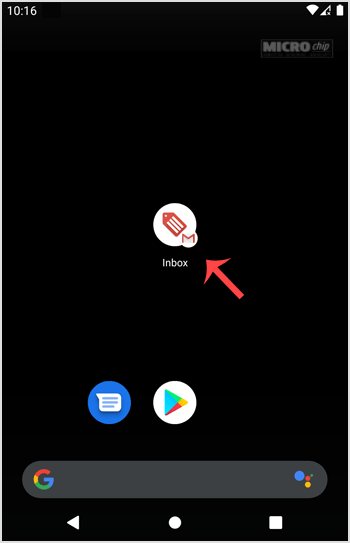
1. Press on Inbox.
2. Pull down from the top of the screen until the little refresh wheel start spinning. It will start syncing emails.
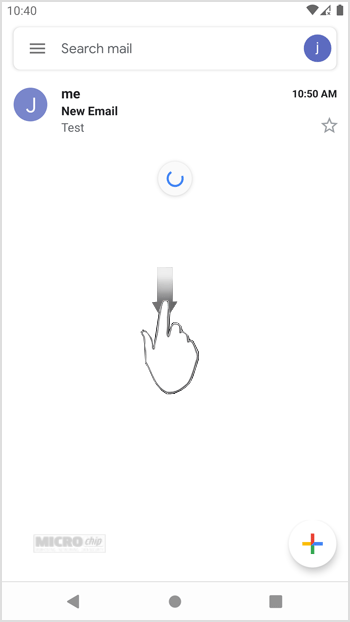
In the above screenshot, after syncing, we have received a new email.
- Home
-
Store
- Browse All
- PROFESSIONAL HOSTING
- Linux VPS
- Windows VPS
- Cloud Storage
- S3 Object Storage
- Server Cloud Linux
- Server Cloud Windows
- Cloud Computer's
- GMail G Suite
- Office 365
- Skype
- Azure
- SharePoint
- OneDrive
- Visio Online
- Exchange Online
- Google ADS & Facebook ADS
- Rack System assistance
- Web System assistance
- SSL Certificates
- XOVI NOW
- VPN
- Register a New Domain
- Transfer Domains to Us
- Announcements
- Knowledgebase
- Network Status
- Contact Us
- Whois
-
More